AnyPS5 Desktop · Windows & LinuxEarly preview
The same launcher,
on your PC.
AnyPS5 Desktop brings the Mac launcher to Windows and Linux: the PS5-style home, the library, unlocking, controls, trophies, saves and AnyTogether. It downloads the AnyPS5 engine by itself on first start.



- Setup.exe
- no admin needed
- AppImage · .deb
- and a .tar.gz
- 1 click
- to download the engine
01The engine
It downloads itself.
The last step of the first start offers Download the AnyPS5 engine: the launcher takes the right files for your system from AnyPS5's latest release and sets them up.

Checked downloads
Each file's size and GitHub's sha256 are checked; a dropped connection resumes where it stopped.
Engine versions
Settings → AnyPS5 Engine checks for updates, lists GitHub's versions, switches between them or uses your own folder.
Kept tidy
The engine in use, the two newest and the ones your games were made with stay; the rest go.
Update and Play
A newer engine offers games the usual update: it downloads the engine, then unlocks the game again.
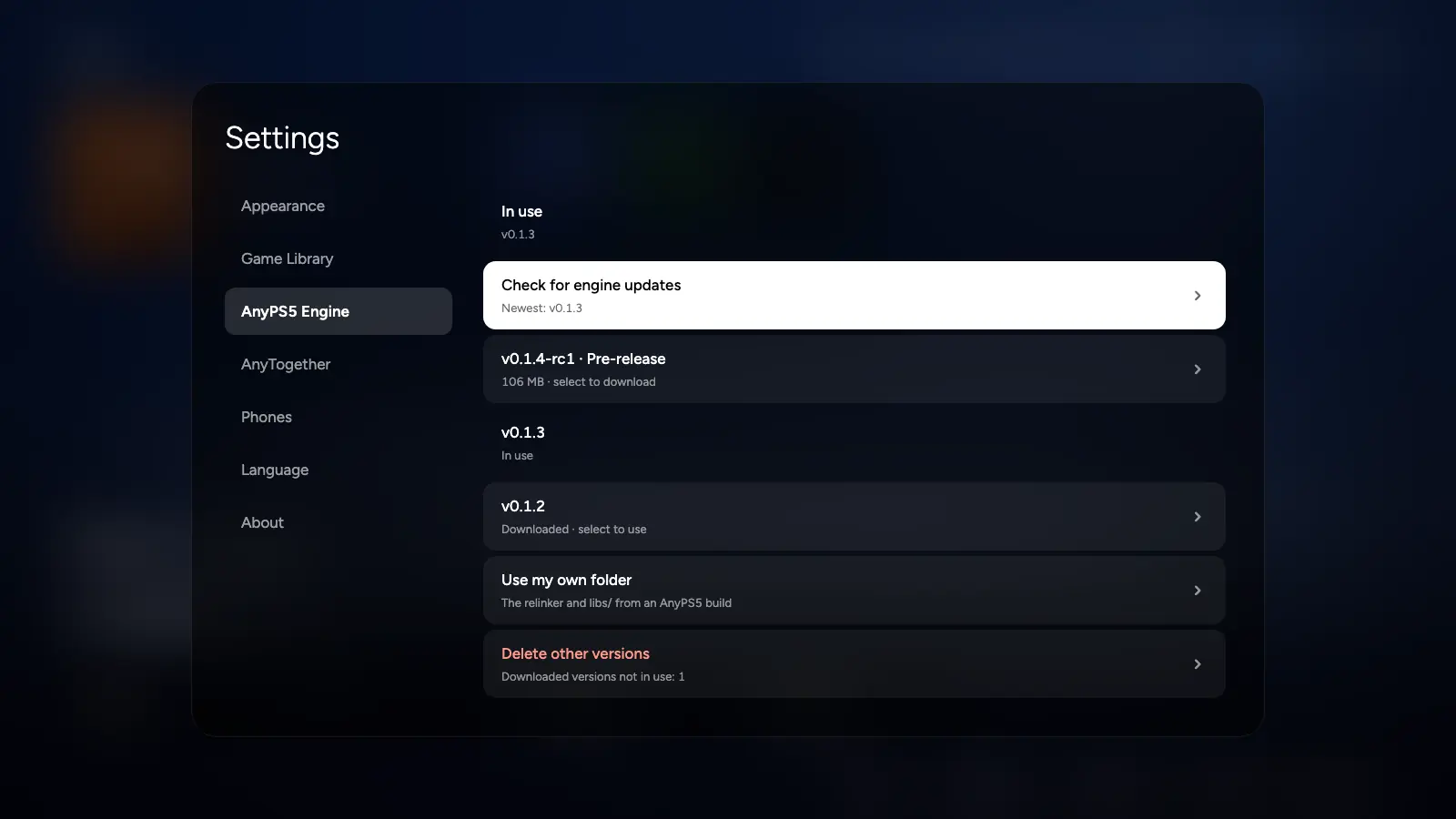
Settings → AnyPS5 Engine

02Library
Find, unlock, play.
It finds the decrypted copies of your games in one folder, with their names, icons and backgrounds, unwraps them, relinks them for your system and starts them.

Names in your language
Read from the game's own data, with its icon, background and theme song.
Unlock
SELF executables unwrapped byte for byte as upstream does, relinked into a native Windows PE or Linux ELF.
Light on disk
Game files are hard links where the drive allows, so an unlocked game takes little extra space.
Saves stay with the game
Saves and trophies move into a new install when a game is unlocked again.
Three animated themes
Cosmic, Aurora and Sunset: the Mac launcher's background shader, ported.
Türkçe or English
Chosen on the first start.
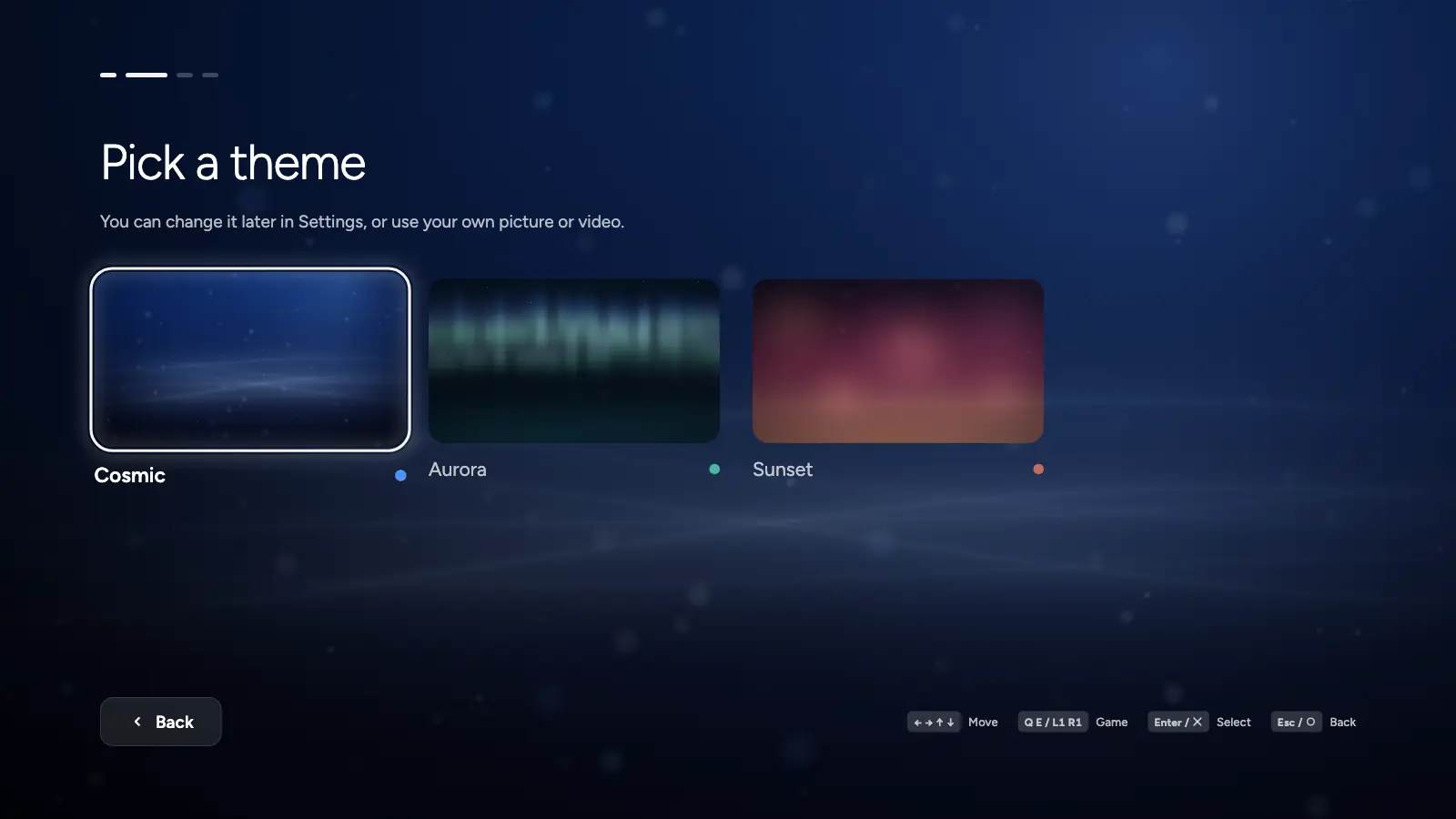
First start: a theme

03Per game
Settings and controls.
Each game keeps its own choices, applied at every start.


Resolution
For titles whose patch file names a width and height.
Window or full screen
And the window size.
Vertical sync and shader cache
On or off, per game.
Game language
The launcher's or any of the console's.
Keyboard layout
Pick a button and press a key, per game.
Overlay and frame generationExperimental
Passed to the engine; they take effect with an engine built from AnyPS5-ARM.
04Trophies and saves
Nothing you earn is lost.
Trophies listed as on the console, and the saves of each game backed up when you want.

Trophies
From the game's own trophy package: grades, hidden trophies, the date each was earned.
Save backups
A game's saves and trophies as a zip, restored whenever you like.
Play time
Every session kept, and sent to AnyTogether when you are signed in.
Offline is fine
Sessions and trophies wait on disk and go up later; nothing counts twice.
05AnyTogether, built in
Friends, messages, parties, voice.
Sign in from Settings → AnyTogether and the top bar gets friends, messages and a party.


Sign in
An email code, a passkey through the website, or one tap from your paired phone.
Friends
Requests, adding by handle, what each friend plays.
Messages
Conversations with quick replies a controller can send, typing shown both ways.
Parties and voice
Start one, invite, walk into a friend's open party. A talk key, or push-to-talk, read over the game.
Profiles
Games with play time and trophy progress, recent trophies with rarity, as private as their owner keeps them.
Join a friend's game
Checked that the game, its version and the engine build match the host's.
Sealed sign-in
Windows keeps the session with DPAPI; Linux in the Secret Service keyring, or a file only you can read.
Another server
Point the launcher at a self-hosted AnyTogether.
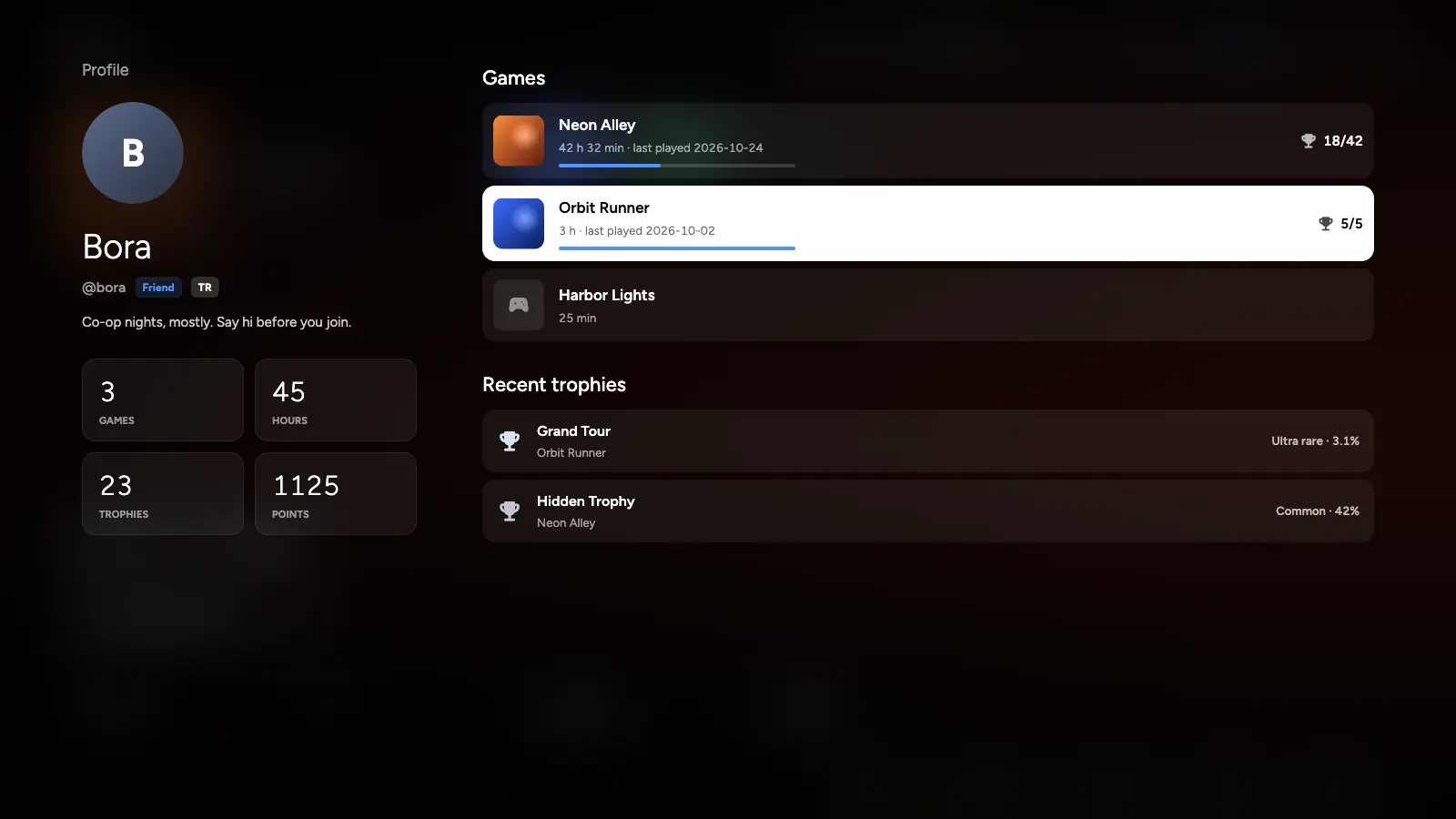
Profile 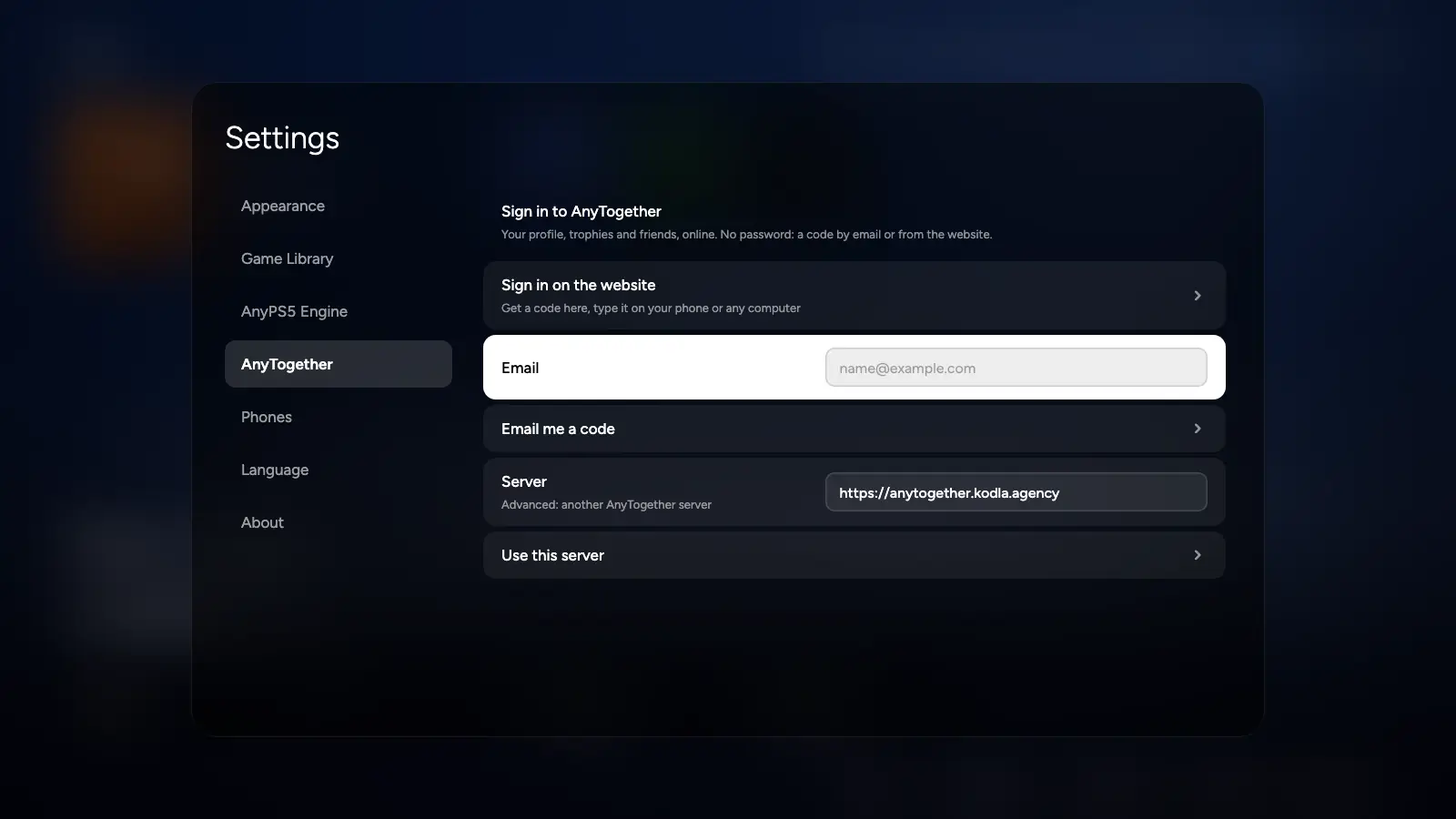
Sign in


The people and games in these pictures are made up.
06Phone
Pair AnyPS5 Remote.
The phone app finds the launcher on your network and pairs with a four-digit code. In games, the phone as a controller needs an engine built from AnyPS5-ARM; upstream's engine doesn't support it yet.

Finds itself
Over Wi-Fi with Bonjour/mDNS; allow the firewall prompt once.
Or a cable
An Android phone over adb.
Signs you in
A signed-in phone approves the launcher with one tap, and the other way round.
Install
Install AnyPS5 Desktop
- Windows: run the Setup.exe. It installs for your user with a Start menu shortcut and an uninstaller. If SmartScreen warns: More info → Run anyway. Or unzip the portable .zip.
- Linux: chmod +x the AppImage and run it, or sudo apt install ./anyps5-desktop_<version>_amd64.deb, or unpack the .tar.gz.
- Open it, press Download the AnyPS5 engine, choose your games folder, and allow the firewall prompt if you want to pair your phone.
Requirements
- Windows
- 10 or 11, x64
- Linux
- x64, glibc 2.34+ for the launcher (Ubuntu 22.04+); games need glibc 2.38+ (Ubuntu 24.04, Debian 13, Fedora 39 or newer)
- Also
- A CPU and GPU that AnyPS5 supports, and decrypted copies of games you own
The rest of the family