AnyPS5 Remote · iPhone & Android
Your phone
is the DualSense.
AnyPS5 Remote turns a phone on the same Wi-Fi, or on a cable, into a DualSense for the games your Mac runs. It finds the launcher by itself, and with Remote Play the game comes to the phone's screen.
- 4
- phones at once, one per player
- 2
- ways to connect: Wi-Fi or a cable
- iOS 15+
- and Android
01The pad
Every button, all at once.
Both sticks, ✕ ○ □ △, L1 R1, L2 R2, the D-pad, Options and the touchpad, any number of them held at once, with the latency shown. It takes over when a game starts.

Touchpad
Slide to move the touch, tap to click, hold to keep clicking; two fingers are two touches.
L3 and R3
A double tap on a stick holds it in.
Motion
The accelerometer and gyroscope are the DualSense's motion sensors, turned to match how you hold the phone.
Rumble
The game's two motors: the large one dull, the small one crisp (Core Haptics on iPhone).
Trigger effects
While L2 or R2 is held, the phone pulses where the trigger would push back.
Light bar
The pad glows with the game's light bar colour.
PS and Create
PS brings the launcher in front of the game; Create saves the last seconds as a clip.
Your layout, per game
Move, size, fade or hide any control, or make it a toggle or turbo button. The Mac keeps it with the game.
02Remote Play
The game on the phone's screen.
Turn it on in the phone's About sheet and the game plays behind the pad, picture and sound. Off by default: the phone stays the controller alone.

Picture and sound
The Mac needs the screen recording permission once.
Launcher mode
The Mac's games over the selected one's background. Picking one on the phone picks it on the Mac.
Play from the couch
Play, Back to Game and Close Game; the arrows, ✕, ○ and ≡ move around the launcher's own screen.
What the Mac is doing
Unlocking, updating or starting: the step, a bar and the time it has taken.
Trophies
A trophy earned drops in at the top of the phone, and the phone buzzes.
The launcher's theme
And its language, English or Turkish.
03Connecting
Finds the Mac by itself.
The first time, the Mac asks once and both show the same four-digit code. After that it connects with no question.

Wi-Fi
Found on the same network; the Mac's address can be typed in when needed.
A cable, no Wi-Fi
An iPhone plugged into the Mac connects through it by itself (usbmuxd); Android with USB debugging and adb.
Up to four phones
One per player; a phone becomes the next player the first time a button is pressed. New phones pair while others play.
PCs too
AnyPS5 Desktop speaks the same protocol and pairs the phone.
04AnyTogether on the go
Your friends, still on the pad.
From the people button on the home screen. Signed out, the phone is the controller as always.


Sign in
An email code, or one tap with the account the Mac uses; a signed-in phone signs the Mac in too.
Friends
Who is online and what they play, requests, adding by handle.
Messages
The same conversations as on the Mac and the website, with unread counts.
Parties and voice
Talk with your party while the phone is still your pad.
1:1 calls
Call a friend from their entry.
Profile
Edit your name, bio and picture; see your games, hours and trophies.
Activity and leaderboards
Friends' trophies and milestones with reactions; points among friends or everyone.
Notifications
Requests, invites, missed calls.
Share play, with the pad
Watch a friend's game and play along when they hand you a controller.
Another server
When the Mac uses a self-hosted AnyTogether, the phone offers it.
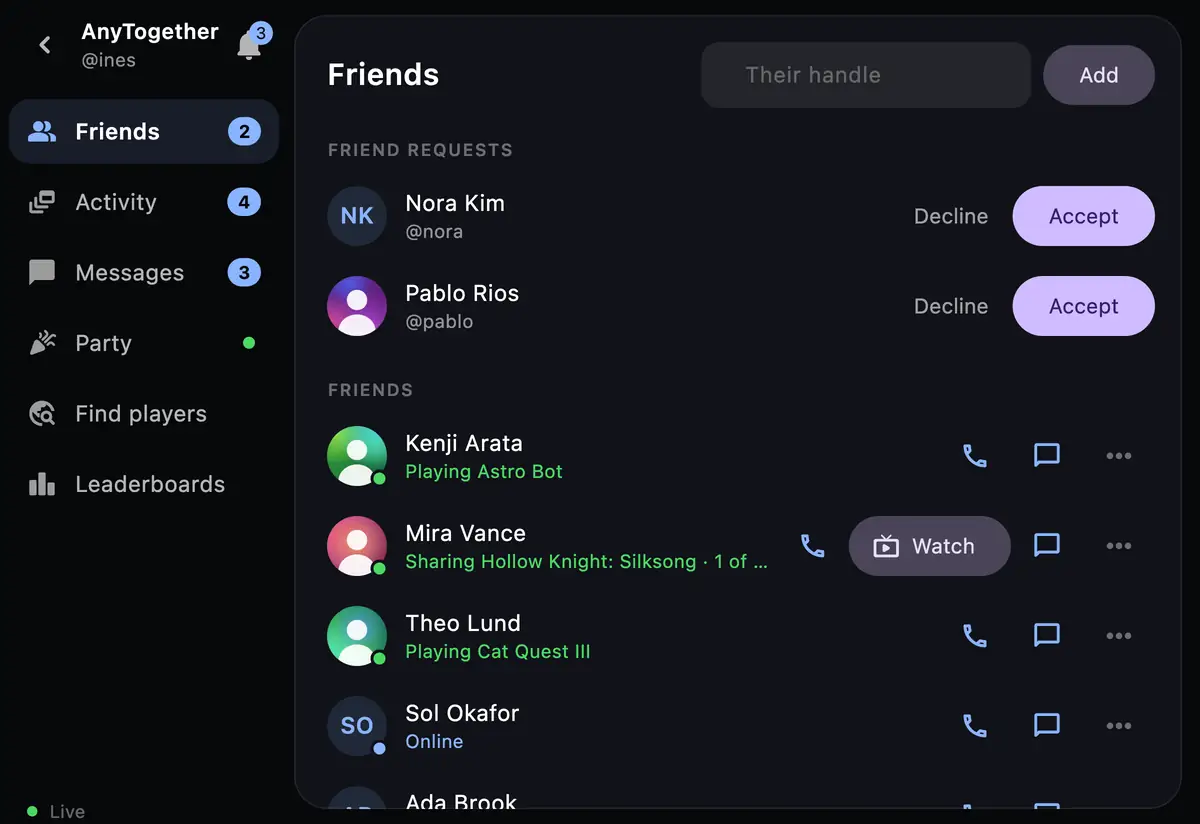
Friends 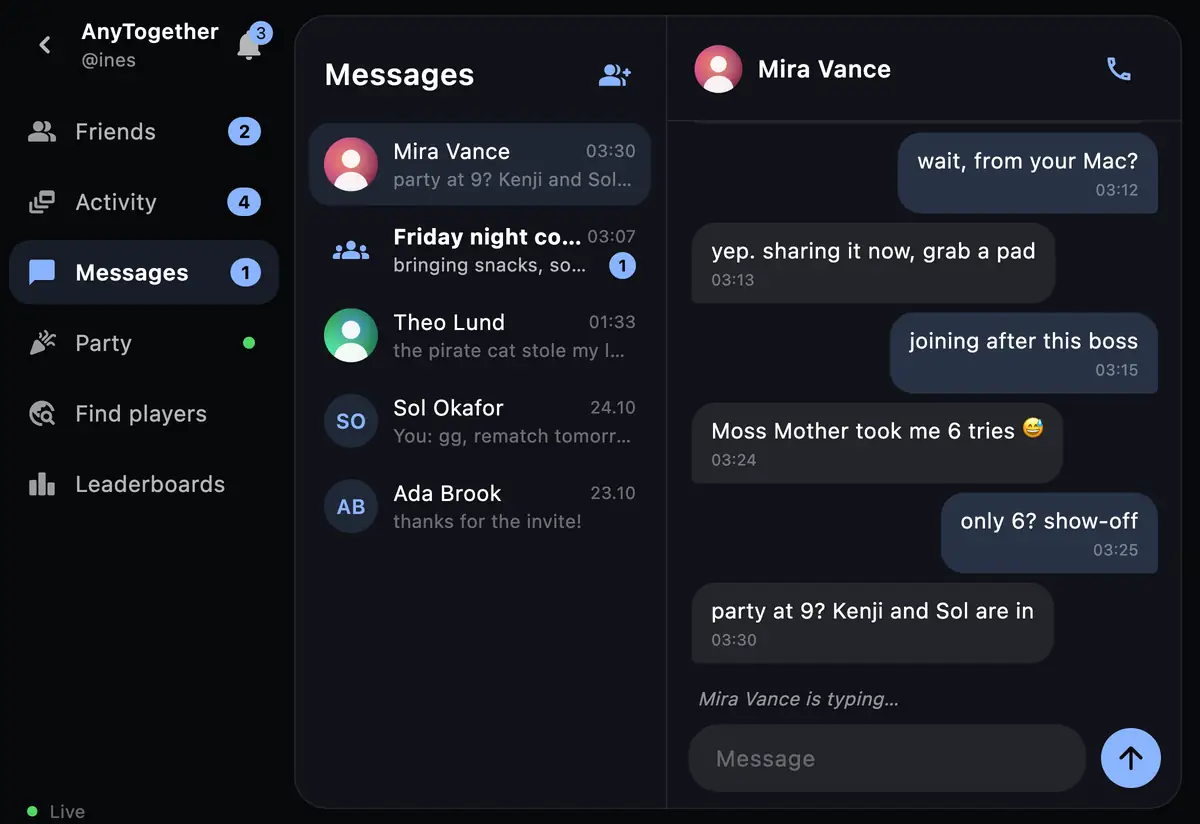
Messages 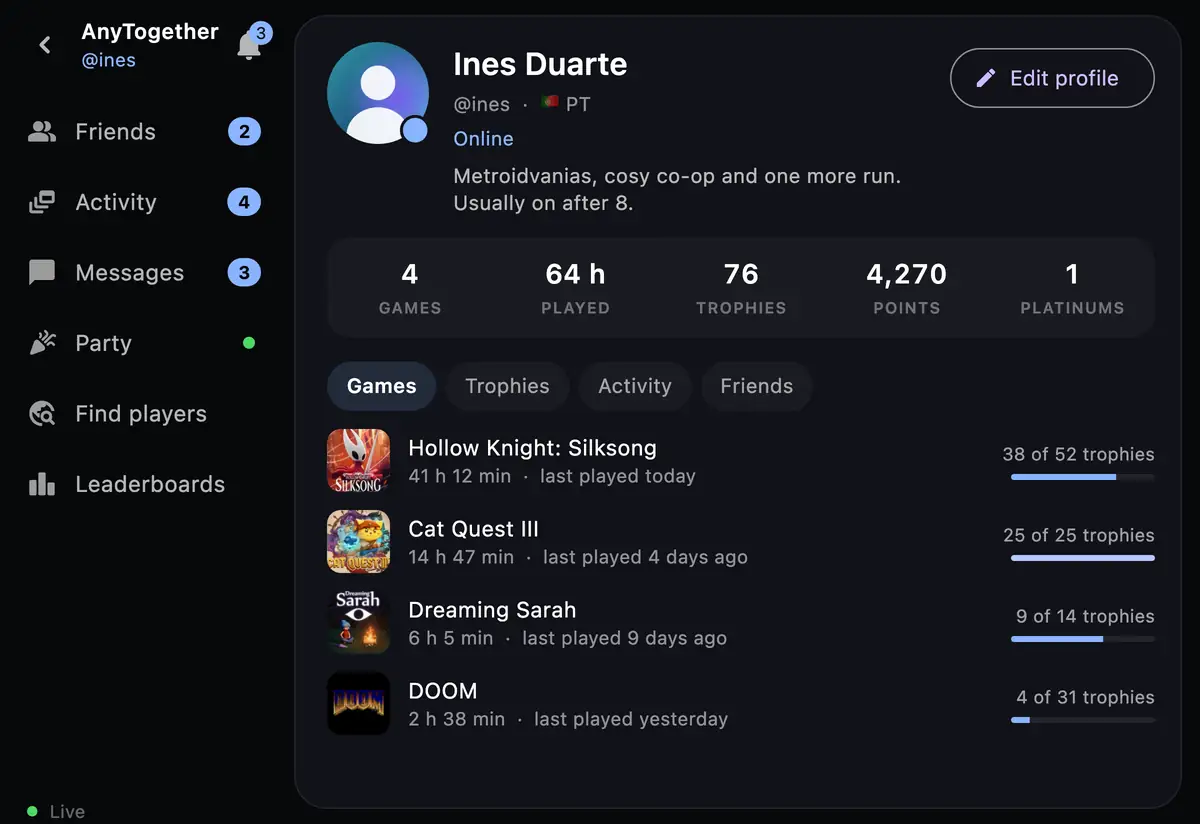
Profile 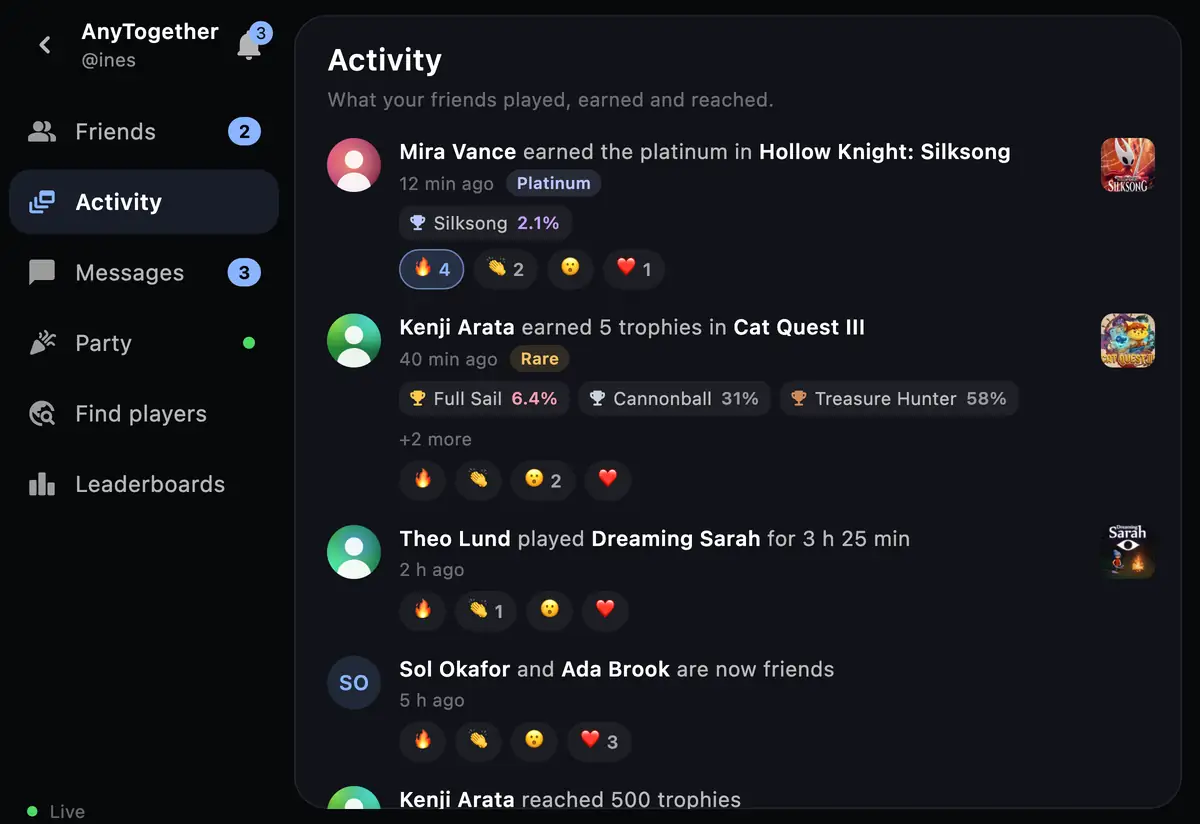
Activity 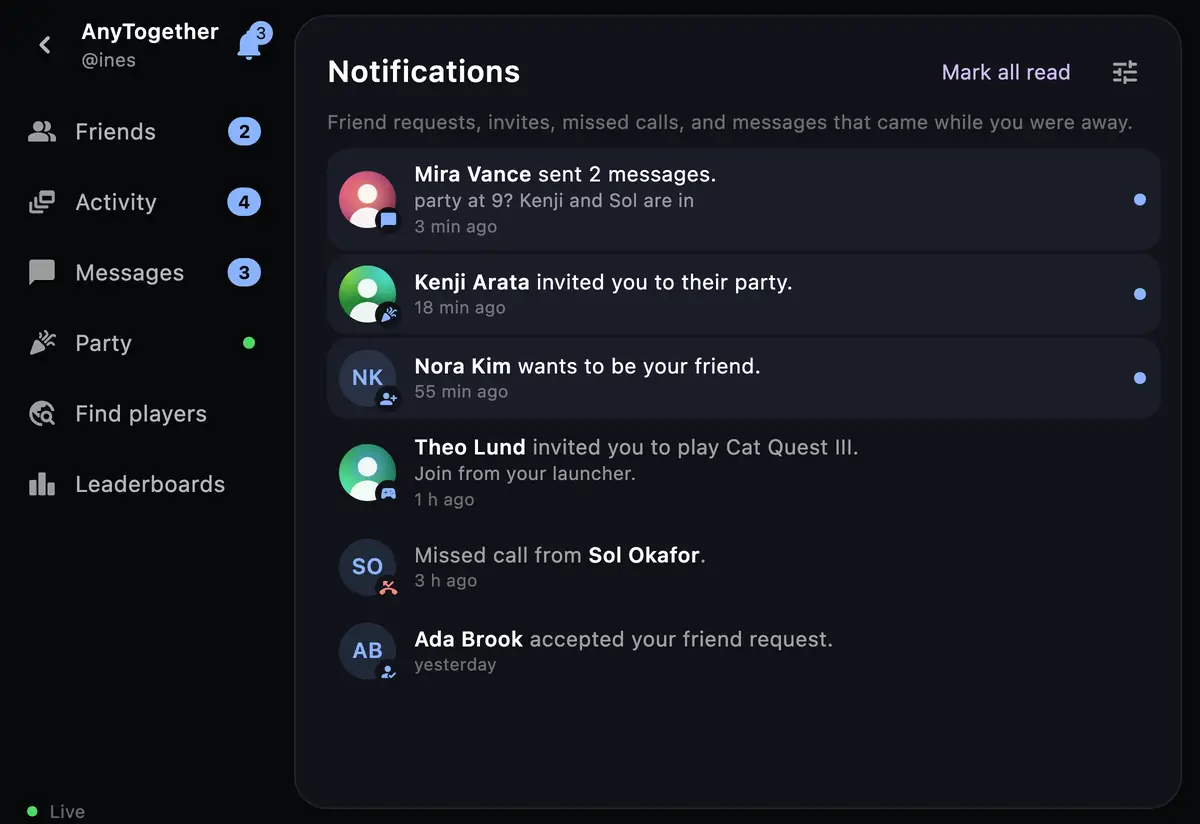
Notifications


The people and data in these pictures are made up.
Install
Install AnyPS5 Remote
- Android: open AnyPS5-Remote.apk on the phone and allow installing from your browser when asked.
- iPhone: install AnyPS5-Remote.ipa with AltStore (or SideStore, or Sideloadly from a computer); it signs the app with your own Apple ID. With a free Apple ID it is refreshed every 7 days, which AltStore does by itself.
- Keep the phone on the Mac's Wi-Fi, or plug it in, and accept the code once.
Requirements
- iPhone
- iOS 15 or later
- Android
- Any recent phone; adb on the Mac for the cable
- Mac
- AnyPS5.app with phone support; older unlocked games need Update and Play once
The rest of the family