AnyTogether · online
Play together.
Anywhere.
The online home of every AnyPS5 launcher, the phone app and this website: one account for your profile, trophies, friends, messages, parties, voice and share play. Open source, and yours to run.
- 4
- clients, one account: Mac, PC, phone, web
- MIT
- open source, self-hostable
- 0
- passwords
01Your account
No password, no sign‑up form.
The first sign-in makes your account. Everything about it is yours to change, export or delete.

Email code
Six digits in your inbox, on any client.
Passkeys
Touch ID, Face ID, Windows Hello or your phone, added on the website; launchers sign in through it too.
One tap
A signed-in phone signs in a launcher, and a launcher the phone; or type a launcher's code here.
Profiles
Picture, name, handle, bio and country, with games, hours, trophies and points.
Privacy per part
Choose who sees your games, trophies, friends and online status: everyone, friends or only you.
Your data
Export everything, or delete the account, from Settings.
02Friends
Friends, messages, parties, calls.
The same on the Mac, the PC, the phone and here, live.


Friends and presence
Online, away, and what each friend plays; requests, blocking, removing.
Messages
Direct and group chats with typing indicators and unread counts.
Parties
Up to eight, with a leader who invites, removes and hands over the lead; open them to friends or to everyone.
Voice
Straight from player to player, through a relay only when the networks need it. Mute, and see who is speaking.
1:1 calls
Ring a friend from any client; missed calls are kept.
Join a friend's game
From the launchers, checked against the game's version.
03Share play
Watch, then take a pad.
A friend shares the game they play; you watch here, in your launcher or on your phone, and when they hand you a controller, your gamepad or keyboard plays along.

In the browser
Picture and sound over WebRTC, no install.
Player 2 to 4
Your gamepad or keyboard drives the player you are handed; nobody takes the host's player 1.
Direct or relay
Latency and quality shown for every viewer.
Host's rules
Who may walk in, how many may watch, and taking anyone out.
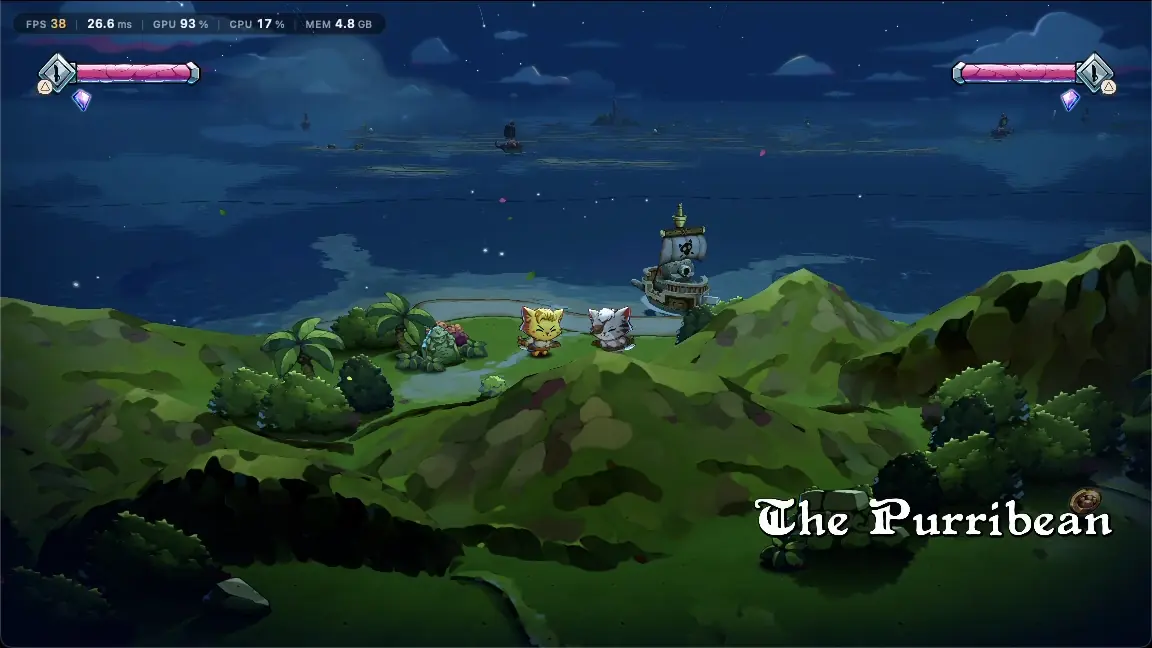
Two players, one couch, two homes 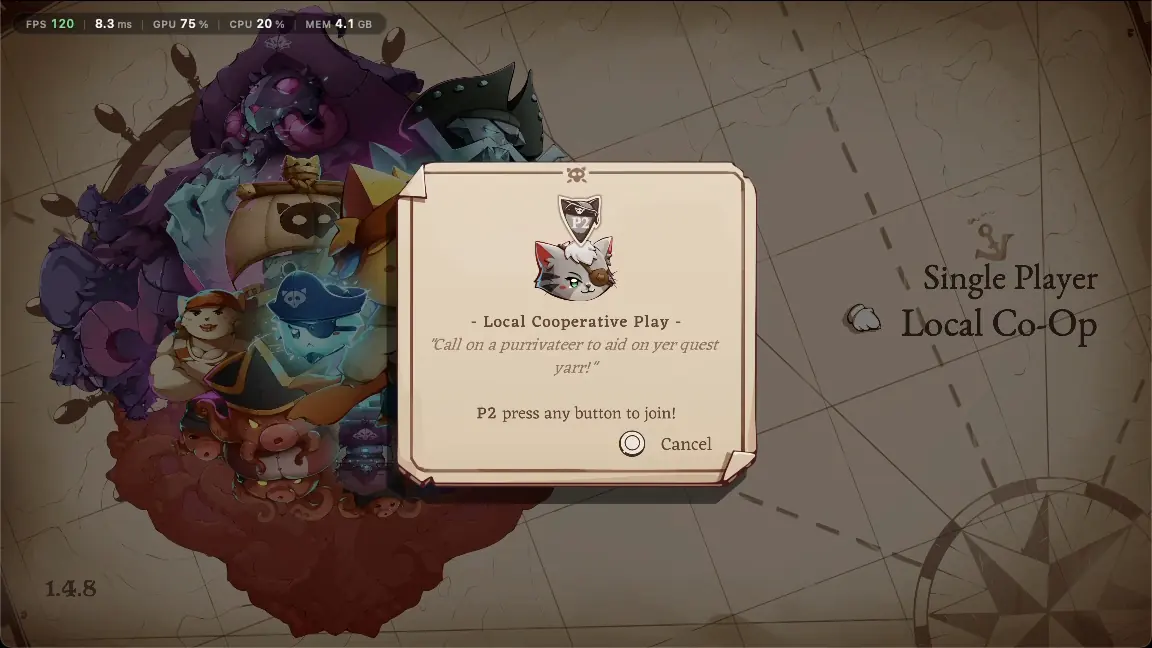
“P2 press any button to join” 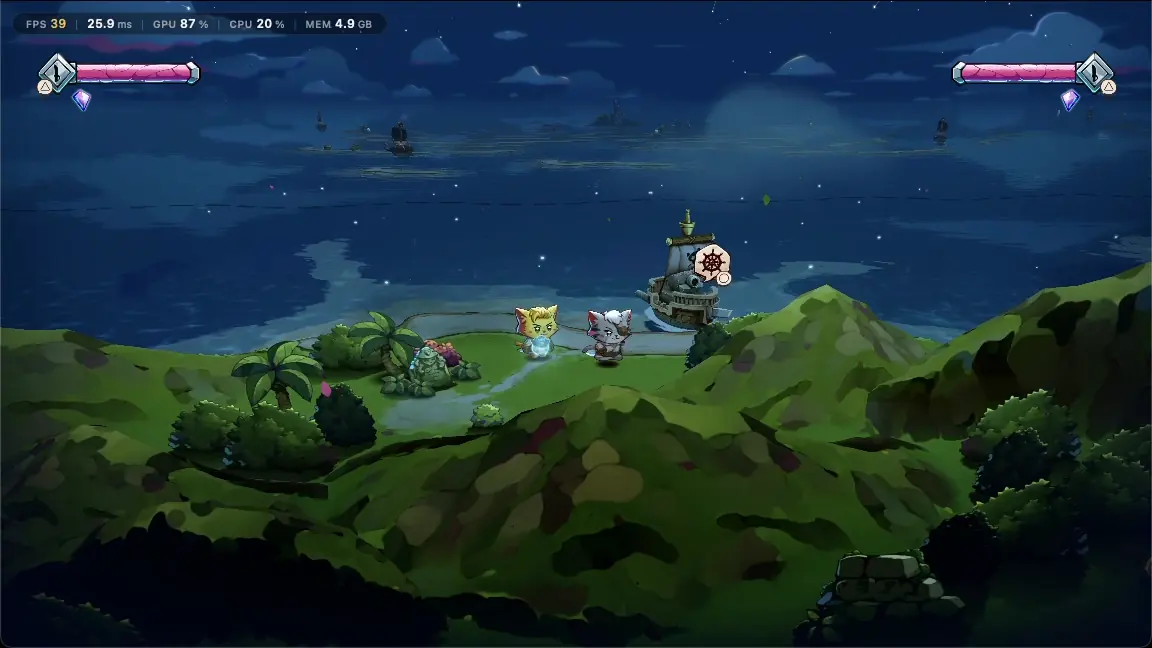
Player 2, from the browser 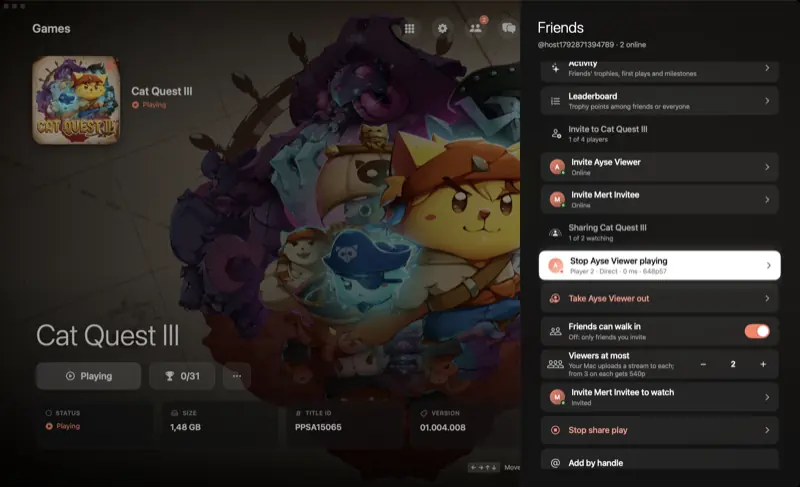
The host's side 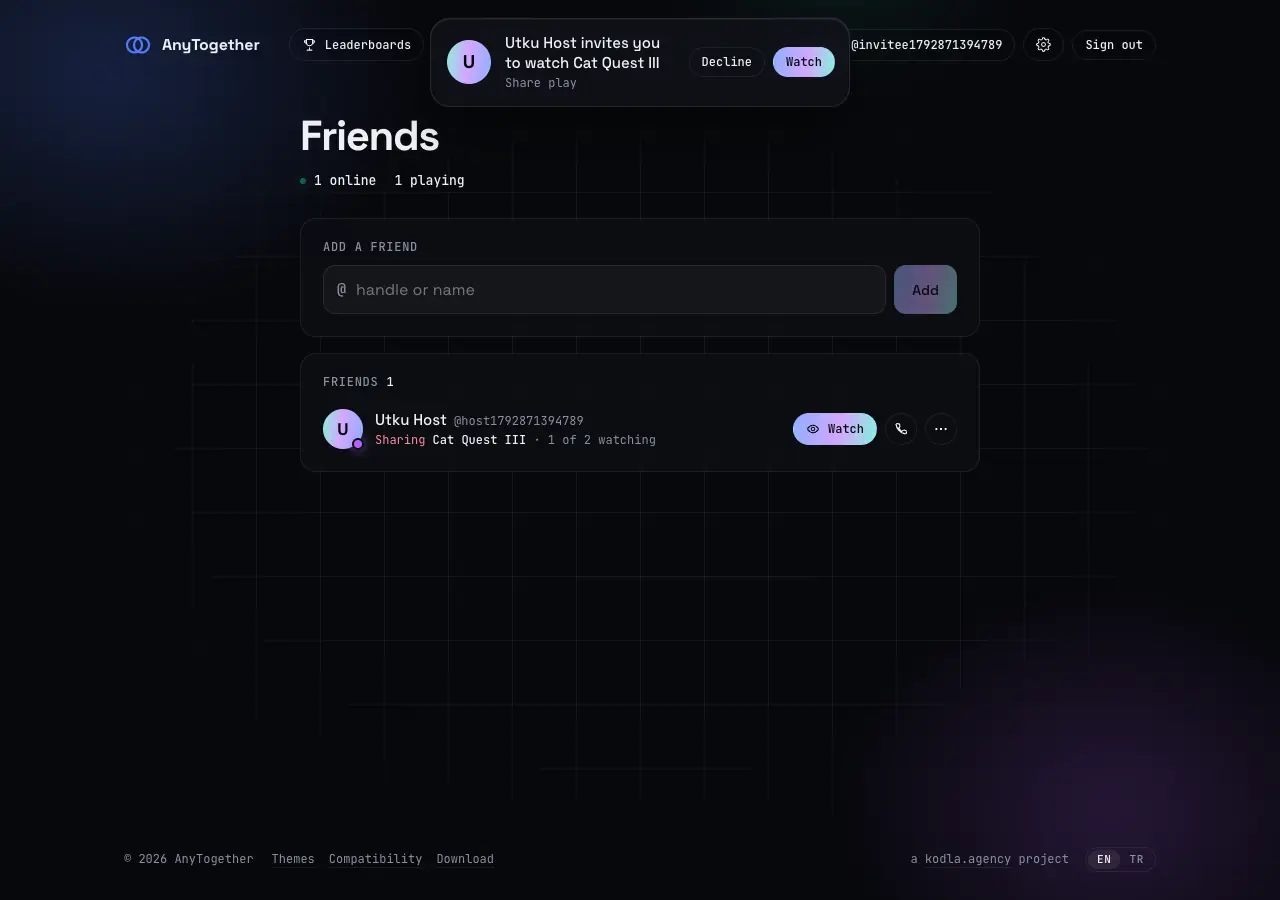
The invite 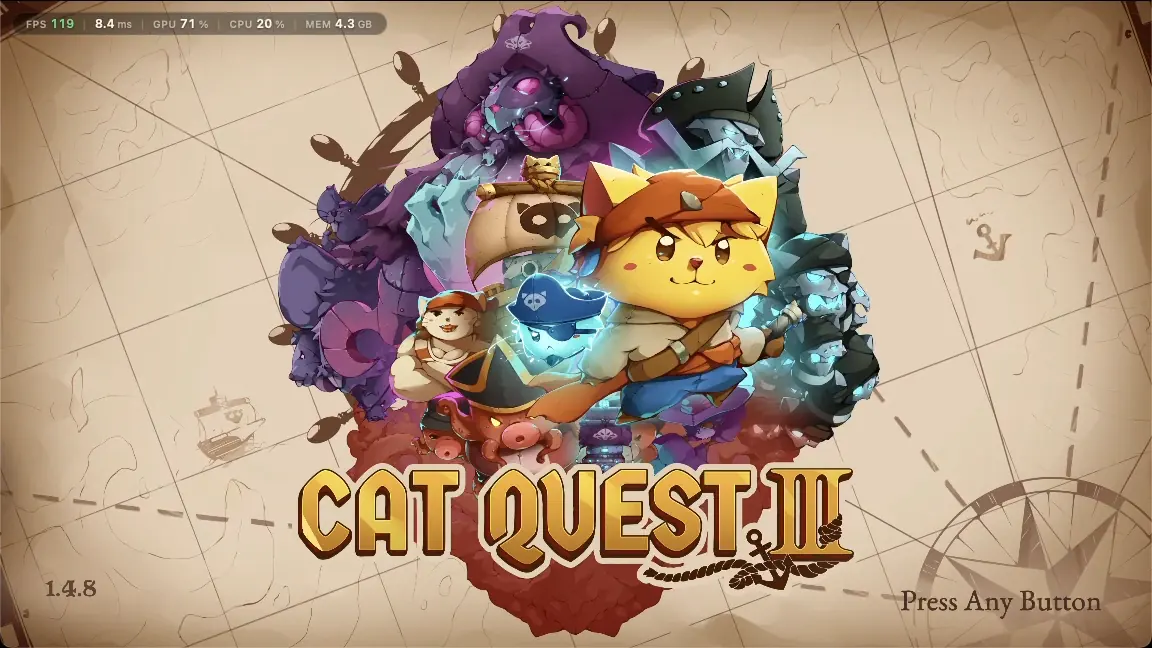
The stream 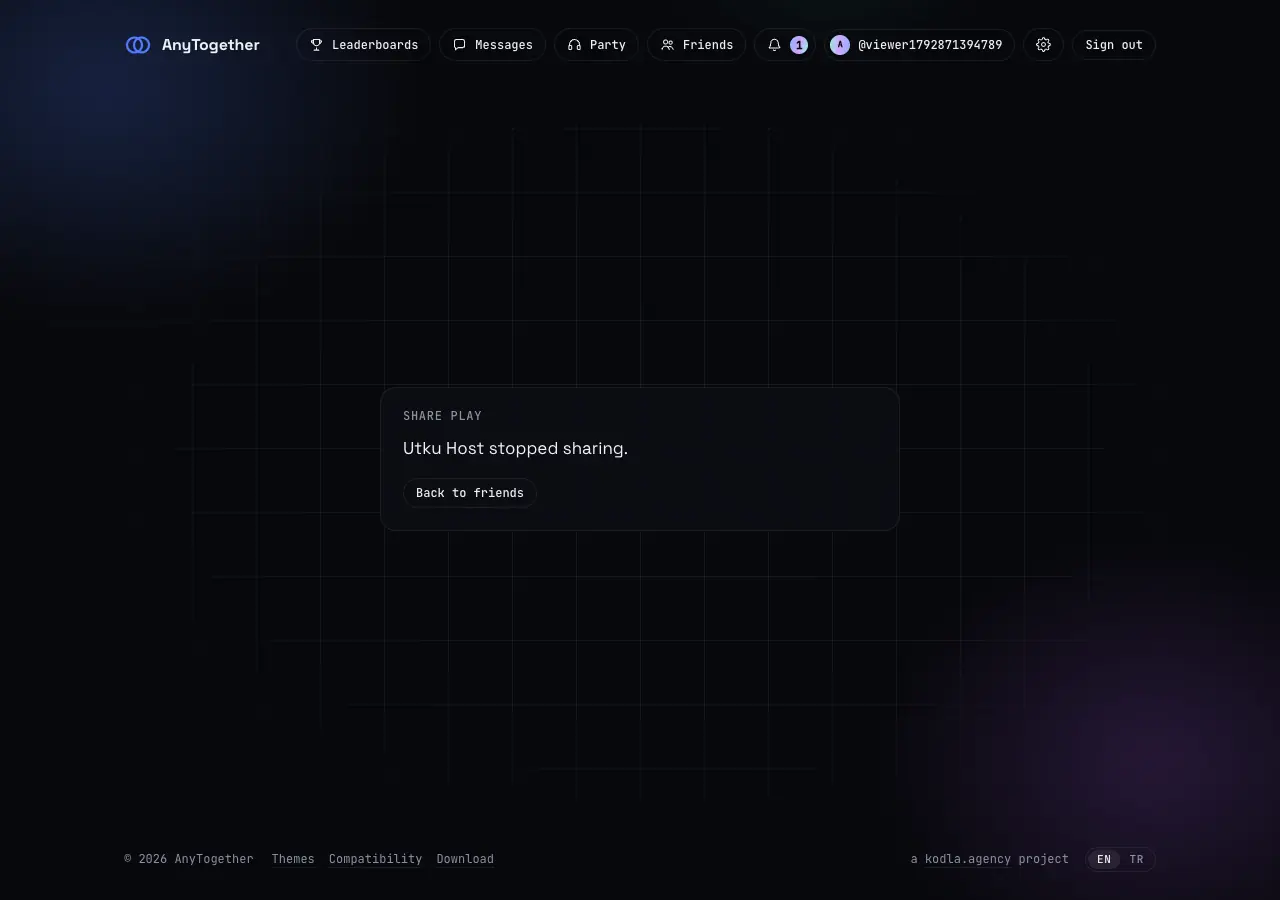
When the host stops


Real frames from a share play test with Cat Quest III between two test accounts: the host on a Mac, the viewer in a browser.
04Find players
Meet people who play what you play.
For when your friends are asleep.
Looking for group
Post a game, a time, a language and what for: co-op, online, a party or trophy help. People ask to join, you choose.
Public parties
Open a party to anyone, or drop into one.
Game hubs
Each game's page: who plays it, open parties and live share plays.
People
Find players by the games and languages they play, if they choose to be found.
05Trophies and play time
Everything you play, counted.
Each session and trophy goes to your account from the launchers, so friends see it and the boards stay honest.

Trophies with rarity
Common to ultra rare, from everyone who plays the game.
Activity feed
Friends' trophies, first plays, milestones and new friends, with reactions.
Leaderboards
Points, play time and completion, among friends or everyone, per game or overall.
Fair play
Impossible trophy patterns are held off the boards until a moderator looks.
06And
Themes, compatibility, notifications.
The rest of what lives here.


Theme Hub
Themes made in the launcher's Theme Studio, liked, downloaded and installed with one press.
Compatibility list
How far each game gets on each platform, from players' reports on the newest launcher version.
Notifications
Requests, invites, messages and missed calls, with web push and a mail digest you control.
Downloads
Every AnyPS5 build from each project's latest release, with checksums.
Moderation
Report a person, a message or a theme; moderators review it.
Open source
MIT. docker compose up runs the whole server on one machine, HTTPS and an optional TURN relay included.
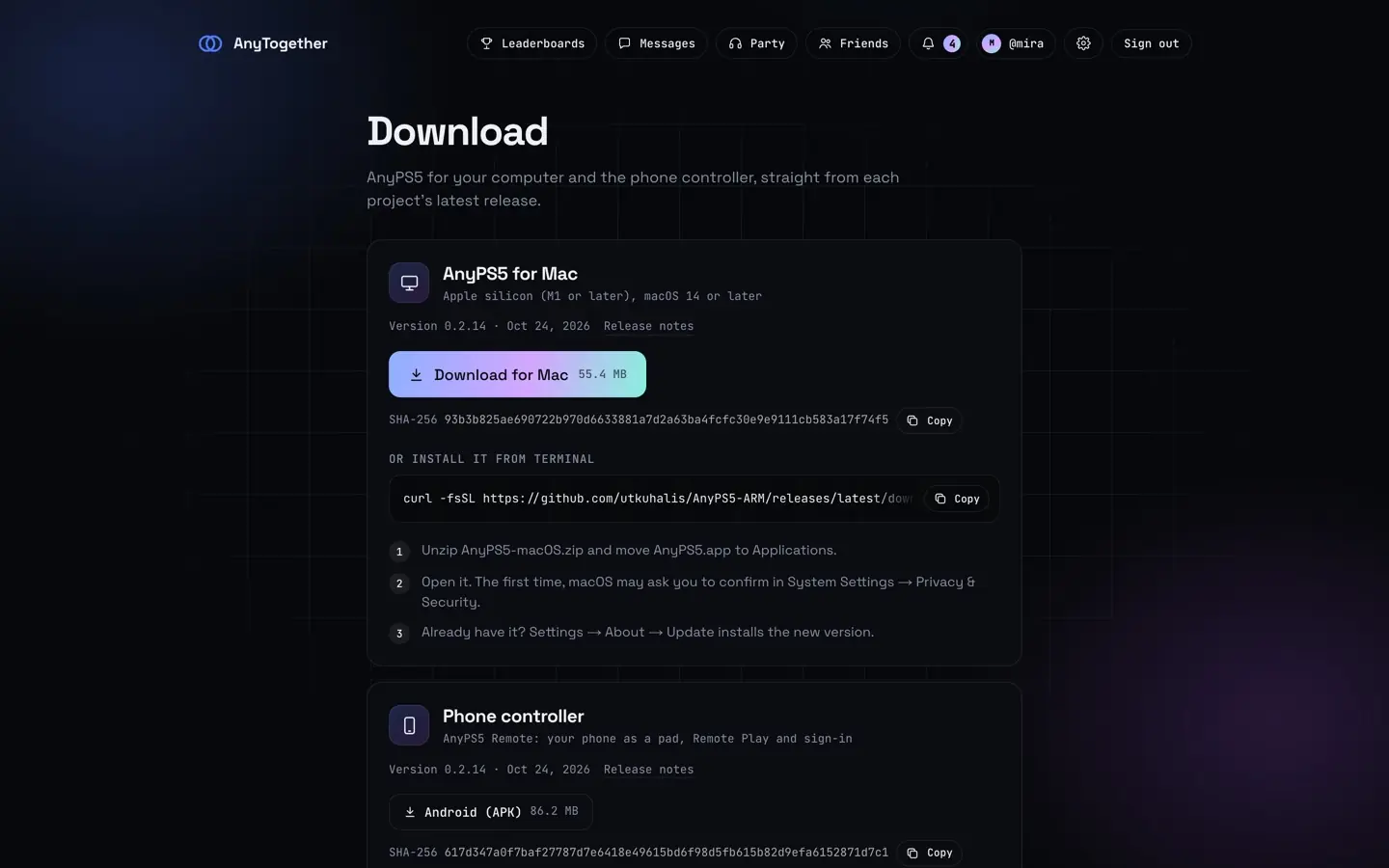
Downloads

- git clone https://github.com/utkuhalis/AnyTogether.git, then cd AnyTogether/deploy and cp .env.example .env.
- Set your domain, a database password and a signing key in .env.
- docker compose up -d --build. Then point the launchers and the phone at it in Settings → AnyTogether → Server.
Requirements
- Machine
- Linux with a public IPv4 address, 2 GB of memory, 10 GB of disk
- Software
- Docker Engine 24+ with the Compose plugin
- Network
- A host name pointing at it; ports 80 and 443
The rest of the family